Best Crypto Wallet for Beginners – Secure & Easy Picks | Guide

Entering cryptocurrency requires thinking carefully about where to store your digital assets. For beginners, choosing a crypto wallet is one of the first meaningful decisions you’ll make. There are plenty of options—mobile apps, browser extensions, hardware devices—so it’s easy to feel overwhelmed. This guide breaks down the best wallets for beginners, looking at security, ease of use, fees, and which cryptocurrencies each one supports.
Our Top Picks at a Quick Glance
Here’s a quick summary of our recommendations:
| Wallet | Type | Best For | Key Feature |
|---|---|---|---|
| Coinbase Wallet | Hot Wallet | Overall best for beginners | Strong security, easy interface |
| MetaMask | Hot Wallet | DeFi and Web3 beginners | Works with lots of dApps |
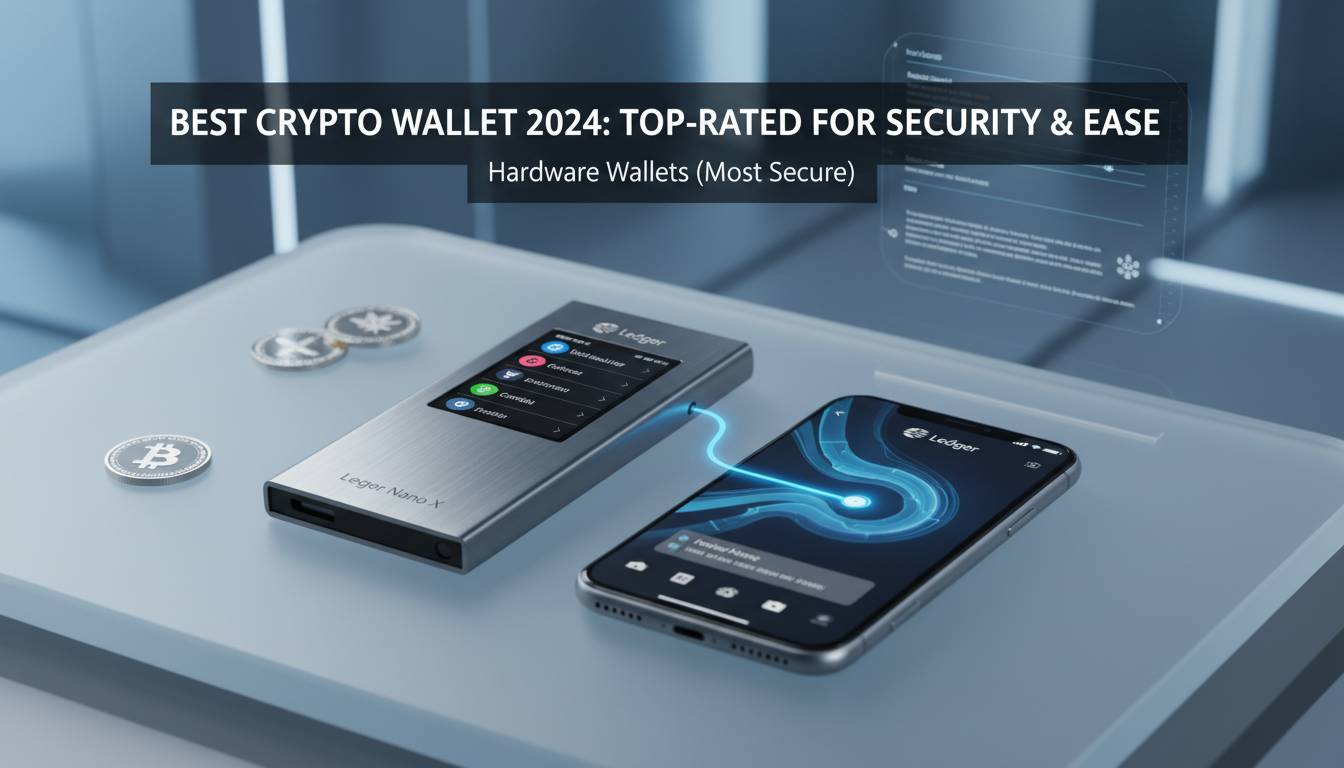
| Ledger Nano X | Cold Wallet | Security-focused users | Hardware-level protection |
| Exodus | Hot Wallet | Multi-asset beginners | Clean design, simple navigation |
| Trust Wallet | Hot Wallet | Mobile users | Solid mobile experience |
These wallets give you a good mix of security, accessibility, and user-friendliness. Each has strengths that suit different situations.
What to Look for in a Beginner Crypto Wallet
A few key factors directly affect how safe and easy your crypto experience will be.
Security Features
Security matters for every crypto holder. Good beginner wallets have two-factor authentication, fingerprint or face login, and seed phrase backup options. Hardware wallets keep your private keys offline, which protects you from hackers and phishing. Software wallets increasingly include features like multi-signature support and transaction previews that flag suspicious activity.
Ease of Use and Interface Design
A wallet that’s hard to use will frustrate you quickly. Look for clear navigation, straightforward send and receive processes, and honest fee displays before you confirm anything. Some wallets include tutorials or tooltips that actually help. Mobile apps often feel more natural than desktop软件 for beginners, since you’re probably already comfortable using your phone for financial apps.
Supported Cryptocurrencies
Make sure your wallet supports what you want to hold. Some wallets only work with Bitcoin and Ethereum. Others support hundreds or thousands of coins. If you think you might explore beyond the major cryptos, pick a wallet that gives you room to grow.
Fee Structures and Costs
Wallet costs aren’t always obvious. Some wallets are free but pass along network fees. Hardware wallets cost money upfront but don’t charge ongoing fees. Exchange-connected wallets may include trading fees. Understanding what you’ll pay helps you budget for your crypto activities.
Best Crypto Wallets for Beginners: Detailed Reviews
Coinbase Wallet: Best Overall for Beginners
Coinbase Wallet works well if you’re brand new to crypto. It’s made by Coinbase, one of the biggest regulated exchanges in the US, so you’re getting security from a company with real oversight.
The app walks you through everything with clear explanations. You can buy crypto directly using a bank account or debit card without setting up a separate exchange account. The wallet supports over 10,000 cryptocurrencies and tokens, which covers basically everything most people would ever want.
Security includes fingerprint or face login, encrypted cloud backup, and optional connection to Coinbase’s exchange for easy trading. There’s also a built-in browser for decentralized apps. For most beginners, Coinbase Wallet hits the sweet spot between simple and capable.
MetaMask: Best for DeFi and Web3 Enthusiasts
MetaMask is the go-to wallet for decentralized finance and Web3 apps. It takes a little more learning than some alternatives, but it opens doors to way more of what makes crypto interesting.
You can connect directly to DeFi protocols, NFT marketplaces, and blockchain games from your browser or phone. MetaMask works with Ethereum and other EVM-compatible networks, which includes most decentralized apps out there.
The browser extension and mobile app sync, so you can switch between computer and phone seamlessly. The code is open-source, meaning security researchers can check for problems. If you want to do more than just hold crypto—actually use DeFi or collect NFTs—MetaMask makes sense.
Ledger Nano X: Best Security for Beginners
If you’re willing to spend money for peace of mind, Ledger Nano X is as secure as it gets for regular users. Private keys stay on a secure chip inside the device, completely separate from anything connected to the internet.
The device pairs with your phone over Bluetooth, so you can manage your crypto from your mobile without sacrificing security. Ledger Live software handles everything—checking balances, sending transactions—while keeping your keys cold.
The $149 price tag isn’t trivial. But if you’re holding meaningful amounts of crypto, the one-time cost is worth it. Ledger supports over 5,500 cryptocurrencies, so you’re covered no matter what you hold.
Exodus: Best Design and User Experience
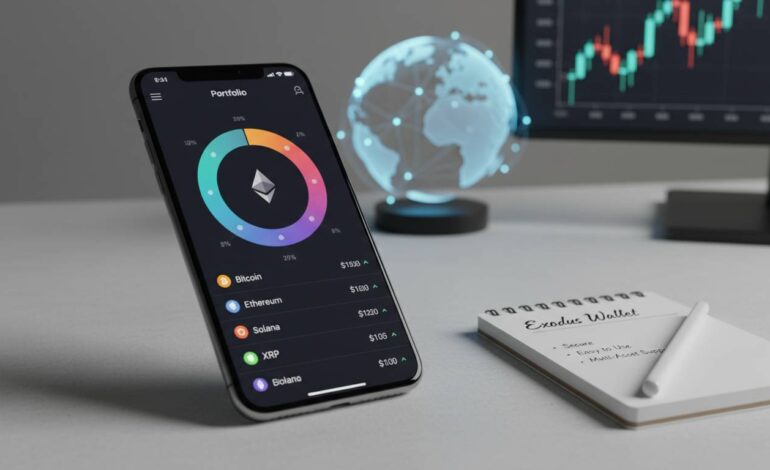
Exodus stands out because it simply feels nice to use. The interface is clean and attractive, with good visualizations that make tracking your portfolio enjoyable.
It supports over 300 cryptocurrencies and has a built-in exchange, so you can swap between assets without leaving the app. Exodus works on desktop and mobile, with your portfolio syncing between devices. There are also helpful educational bits scattered throughout that explain blockchain concepts as you use the app.
If you care about aesthetics and want something that doesn’t feel like banking software from 1999, Exodus is worth a look.
Trust Wallet: Best Mobile Experience
Trust Wallet is built for your phone. The mobile-first design takes full advantage of smartphone capabilities, giving you easy access to your crypto wherever you are.
The wallet supports a huge range of cryptocurrencies and includes a Web3 browser so you can use decentralized apps directly. You can also stake certain coins and earn rewards without leaving the app.
Security features include biometric login and keys stored in your phone’s secure enclave. Integration with Binance DEX gives you decent swap rates. If you want a dedicated mobile app for crypto, Trust Wallet delivers.
Hot Wallet vs Cold Wallet: Which Is Better for Beginners
Knowing the difference between hot and cold wallets helps you pick the right setup.
Hot wallets stay connected to the internet. Coinbase Wallet, MetaMask, and Exodus are hot wallets. The big advantage is convenience—you can send and receive crypto anytime without grabbing extra hardware. The downside is that internet connection means exposure to hackers, phishing, and malware.
Cold wallets stay offline. Ledger and Trezor devices are cold wallets. By keeping private keys away from internet-connected devices, cold wallets are much safer from online attacks. The trade-off is less convenience—transactions require physical access to the device.
Most beginners should start with a reputable hot wallet. As your holdings grow, adding a cold wallet for long-term storage makes sense. Plenty of experienced users have both: a hot wallet for trading and a cold wallet for stuff they’re holding for years.
Do You Actually Need a Crypto Wallet
You might wonder whether a separate wallet is necessary, or whether keeping crypto on an exchange works fine.
Exchanges like Coinbase and Binance let you store crypto in your account. This is convenient—you can buy, sell, and hold everything in one place without moving money around.
But there are reasons to get your own wallet. Exchange accounts can get hacked, frozen by regulators, or shut down. Self-custody wallets give you full control without depending on a third party. Plus, using a wallet teaches you skills you’ll need for DeFi and NFT platforms, which require external wallet connections.
If you’re just playing around with small amounts, using an exchange wallet is fine. If you’re investing seriously or want to explore the broader crypto world, set up a personal wallet.
Are Crypto Wallet Costs
Here’s what you’ll actually pay.
Software wallets are free to download and use. Coinbase Wallet, MetaMask, Exodus, and Trust Wallet cost nothing upfront. You pay network fees when you send transactions—these go to blockchain validators, not the wallet companies.
Hardware wallets cost between $79 and $249 depending on the model. It’s a one-time purchase with no ongoing fees. The upfront cost buys you permanent security.
Some wallets offer paid extras like advanced security features or portfolio tools. The free versions handle basic needs fine, so premium features are optional.
Network fees are the real ongoing cost. These change based on how busy the blockchain is. Get familiar with typical fees for your chosen cryptos so you don’t get surprised.
Conclusion
Picking the best crypto wallet means weighing security, usability, cost, and flexibility. Coinbase Wallet works well for most people starting out—it’s intuitive, secure, and connects to a trusted exchange. MetaMask is better if you want to explore DeFi and Web3. Ledger Nano X gives you maximum security if you’re willing to spend the money. Exodus and Trust Wallet are great if you want something that works well on mobile and looks good doing it.
Getting your own wallet is a real step toward full participation in crypto. The wallets listed here have millions of users and keep improving. Whatever you choose, you’re setting yourself up for a better experience than keeping everything on an exchange.
Frequently Asked Questions
What is the safest crypto wallet for beginners?
Ledger Nano X is the safest option. Keys stay on a secure chip, completely offline. For software wallets, Coinbase Wallet has strong security with two-factor authentication and biometric login.
Can I use multiple crypto wallets at the same time?
Yes. Many people use both hot and cold wallets—hot for trading, cold for long-term storage. You can hold the same cryptocurrency in different wallets without issues.
What happens if I lose my crypto wallet?
With software wallets, losing your device usually means losing access unless you backed up your recovery phrase. Hardware wallets can be replaced using your seed phrase, which restores everything. Always write down your recovery phrase and store it somewhere safe offline.
Do I need a crypto wallet to buy cryptocurrency?
You can buy through an exchange without a separate wallet first. But moving your crypto to a personal wallet is safer and prepares you for using DeFi platforms. Most exchanges let you withdraw right after purchase.
Are mobile crypto wallets safe for beginners?
Trust Wallet and Coinbase Wallet both have solid security—biometric login, device encryption, secure storage. Stay safe by using strong phone passwords, enabling fingerprint or face login, and avoiding suspicious links.
How do I transfer crypto from an exchange to my personal wallet?
Open your wallet and find the receive address for the cryptocurrency you’re getting. Copy it, then paste it into the withdrawal section of your exchange. Always double-check that the address is correct and matches the right network before confirming.