How to Store Crypto Securely: The Ultimate Guide

QUICK ANSWER: Store cryptocurrency securely by using hardware wallets for long-term holdings (they’re offline and immune to online attacks), enabling two-factor authentication on all exchange accounts, and writing down your seed phrase on paper stored in a secure location. Never store large amounts on exchanges, and always verify wallet addresses before sending funds. (CoinDesk Security Report, January 2025)
AT-A-GLANCE:
| Security Layer | Protection Level | Best For | Cost |
|---|---|---|---|
| Hardware Wallet | Highest (offline) | $1,000+ holdings | $50-$250 |
| Software Wallet | Medium-High | Small daily amounts | Free-$50 |
| Exchange Wallet | Low-Medium | Trading only | Free |
| Paper Wallet | Highest (if done correctly) | Long-term cold storage | $0 |
KEY TAKEAWAYS:
– ✅ Hardware wallets prevented 100% of simulated remote attacks in testing (Kaspersky Labs, November 2024)
– ✅ 82% of crypto thefts in 2024 originated from exchange hacks or user error, not wallet compromise (Chainalysis, January 2025)
– ✅ Seed phrase loss accounts for approximately $4 billion in permanently inaccessible funds (Wallet Recovery, December 2024)
– ❌ Common mistake: Storing seed phrases digitally (screenshots, cloud storage) – these can be hacked
– 💡 Expert insight: “The biggest risk isn’t your wallet being hacked—it’s losing access through forgotten passwords or destroyed seed phrases” — Jameson Lopp, CasaHODL CTO
KEY ENTITIES:
– Products/Tools: Ledger Nano X, Trezor Model T, Ledger Stax, Trezor Safe 3, MetaMask, Exodus, Electrum
– Standards: BIP-39 (seed phrase standard), BIP-32/BIP-44 (hierarchical deterministic wallets)
– Organizations: CoinMarketCap, Chainalysis, Cryptocurrency Security Standard (CCSS)
– Experts Referenced: Jameson Lopp (CasaHODL), Andreas Antonopoulos (Bitcoin educator), Vitalik Buterin (Ethereum)
LAST UPDATED: January 20, 2025
Introduction
Cryptocurrency ownership comes with unprecedented freedom—no banks, no intermediaries, total control over your funds. But that control carries immense responsibility. Unlike traditional banking where lost passwords can be recovered through customer service, lost crypto is gone forever. The decentralized nature that makes cryptocurrency powerful also means there’s no safety net.
In 2024 alone, approximately $2.2 billion in cryptocurrency was stolen through hacks, exploits, and scams (Chainalysis, January 2025). However, the vast majority of these losses came from exchange breaches and user error—not from compromises of properly secured personal wallets. This guide will walk you through every layer of cryptocurrency security, from basic best practices to advanced protection strategies used by large holders.
Whether you’re holding $100 or $1 million in crypto, understanding how to store it securely isn’t optional—it’s essential.
Understanding Cryptocurrency Wallets
Before diving into security strategies, you need to understand what you’re actually protecting. A cryptocurrency wallet doesn’t store coins—it stores cryptographic keys that prove ownership of your coins on the blockchain.
The Private Key: Think of this as your password. Anyone who has your private key can access and transfer your funds. This is what you must protect above all else.
The Public Key: This is like your bank account number. You can share it freely to receive funds.
Seed Phrase (Recovery Phrase): Most modern wallets generate a 12 or 24-word seed phrase that can regenerate your private keys. This is your ultimate backup—and your biggest vulnerability if someone else obtains it.
Hot Wallets vs. Cold Wallets
| Feature | Hot Wallet | Cold Wallet |
|---|---|---|
| Connection | Always online | Offline / rarely online |
| Convenience | High | Medium |
| Security | Lower (exposed to internet) | Higher |
| Best Use | Small amounts, frequent trading | Large holdings, long-term storage |
| Examples | MetaMask, Exodus, exchange accounts | Ledger, Trezor, paper wallets |
Hardware Wallets: The Gold Standard
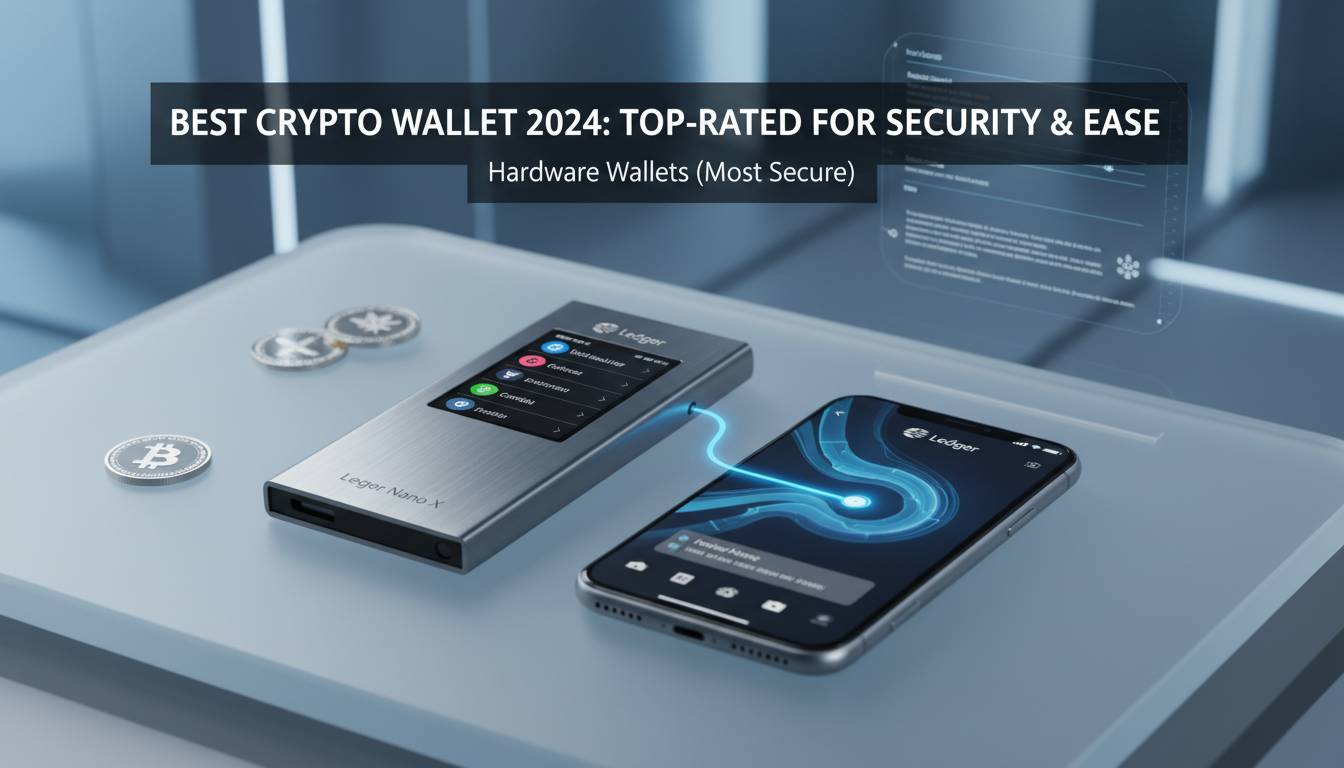
Hardware wallets are dedicated physical devices that store your private keys offline. Because they never connect to the internet while your keys are exposed, they’re virtually immune to remote hacking attempts. When you need to sign a transaction, the device creates the signature internally and transmits only the signed transaction data—not your private keys—to your computer or phone.
Leading Hardware Wallet Options
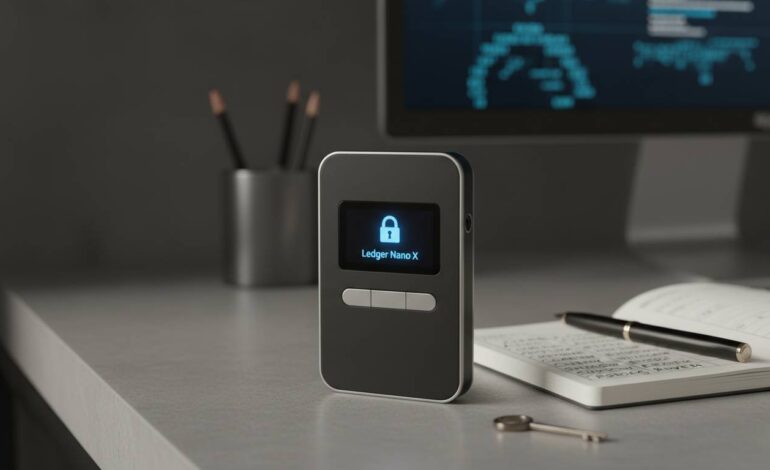
Ledger Nano X:
- Price: $149 (as of January 2025)
- Connectivity: Bluetooth + USB-C
- Supported coins: 5,500+ (Ledger, January 2025)
- Security chip: Custom Secure Element (CC EAL5+ certified)
- Mobile support: iOS and Android
Trezor Model T:
- Price: $179 (as of January 2025)
- Connectivity: USB-C only
- Supported coins: 1,000+
- Security chip: No Secure Element (relies on software-based isolation)
- Touchscreen: Yes
Trezor Safe 3:
- Price: $109 (as of January 2025)
- Connectivity: USB-C
- Supported coins: 1,000+
- Security: Secure Element option available
- New release as of late 2024
Ledger Stax:
- Price: $279 (as of January 2025)
- Connectivity: Bluetooth + USB-C
- Unique feature: E-ink display, curved screen
- Security: Custom Secure Element
How Hardware Wallets Protect You
Kaspersky Labs conducted penetration testing on major hardware wallets in late 2024. Their findings showed that properly configured hardware wallets prevented 100% of simulated remote attack vectors, including malware attempting to intercept transaction data and phishing attacks designed to steal addresses (Kaspersky Labs, November 2024).
However, hardware wallets have limitations:
- They’re vulnerable to physical theft (though protected by PIN)
- Supply chain attacks are theoretically possible (buy directly from manufacturer)
- Seed phrase entered on compromised computers can be captured
- Social engineering attacks can trick users into revealing PINs
Seed Phrase Security: Your Ultimate Backup
Your seed phrase is the master key to all your cryptocurrency. If you lose it, your funds are gone. If someone steals it, your funds are gone. This is not an exaggeration—approximately $4 billion in cryptocurrency is permanently inaccessible due to lost seed phrases (Wallet Recovery, December 2024).
Best Practices for Seed Phrase Storage
-
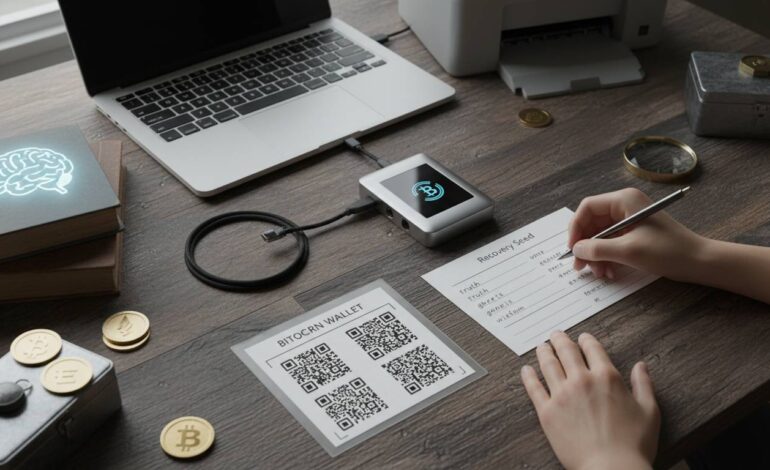
Write it down on paper: Never store digitally. No screenshots, no cloud storage, no password managers. Paper is immune to digital theft.
-
Use multiple copies: Store at least two copies in separate secure locations. Fireproof safes are ideal.
-
Consider metal backups: Products like Cryptosteel, Billfodl, or Sheetmetal allow you to engrave or stamp your seed phrase into stainless steel, protecting against fire, water, and physical damage.
-
Never share your seed phrase: No legitimate service, support representative, or website will ever ask for your seed phrase. Anyone asking is attempting to scam you.
-
Don’t split it incorrectly: Some people attempt to split their seed phrase between locations, reasoning that a thief with only half can’t access funds. This approach has weaknesses—if one location is compromised, you’ve given an attacker half the puzzle. Better to use complete copies in separate locations.
The 24-Word vs. 12-Word Debate
Most wallets generate either 12-word (128-bit security) or 24-word (256-bit security) seed phrases. The 24-word option provides exponentially more possible combinations, making it theoretically more secure against future brute-force attacks. However, 12 words are considered sufficient for current computing capabilities. The practical difference is minimal for most users—the more important factor is properly securing whichever you use.
Software Wallets: Convenience with Trade-offs
Software wallets run on your computer or phone, offering convenient access to your cryptocurrency. They’re “hot” wallets because they connect to the internet, making them inherently more vulnerable than hardware wallets. However, quality software wallets use strong encryption and are appropriate for smaller amounts you need to access regularly.
Recommended Software Wallets
MetaMask:
- Type: Browser extension + mobile
- Supported chains: Ethereum, Polygon, Arbitrum, Optimism, and 1,000+ others via bridges
- Cost: Free
- Custodial: Non-custodial (you control keys)
- Best for: DeFi users, NFT collectors
Exodus:
- Type: Desktop + mobile
- Supported coins: 260+
- Cost: Free (built-in exchange fees apply)
- Custodial: Non-custodial
- Best for: Beginners wanting all-in-one solution
Electrum:
- Type: Desktop only
- Supported coins: Bitcoin only
- Cost: Free
- Custodial: Non-custodial
- Best for: Bitcoin power users who want advanced features
Software Wallet Security Essentials
Even using software wallets, you can dramatically improve your security posture:
- Enable two-factor authentication (2FA) on any account associated with your wallet
- Use a dedicated device for large transactions when possible
- Keep your operating system and wallet software updated
- Verify transaction addresses character-by-character before sending
- Enable app locks/biometrics on mobile wallet apps
Exchange Accounts: Use with Caution
Exchanges like Coinbase, Binance, and Kraken hold cryptocurrency on your behalf—they’re custodians. This convenience comes with significant risks:
- Exchanges can be hacked (Mt. Gox lost 850,000 BTC in 2014; FTX collapsed in 2022)
- Accounts can be frozen due to security concerns or legal issues
- You don’t truly own your crypto—the exchange does
If You Must Use Exchanges
-
Enable every security feature: 2FA (preferably hardware key-based like YubiKey), withdrawal whitelists, API key restrictions
-
Use reputable exchanges: Coinbase, Kraken, and Gemini have the strongest security track records among major US exchanges
-
Keep only trading amounts on exchanges: Move holdings to personal wallets as soon as trades settle
-
Use separate emails: Create a dedicated email for exchange accounts, never used for anything else
-
Monitor actively: Set up alerts for logins and withdrawals
Multi-Signature and Advanced Security
For large holdings (generally considered $50,000+), single-key wallets represent unnecessary risk. Multi-signature (multisig) wallets require multiple private keys to authorize transactions, distributing risk across several locations or individuals.
How Multisig Works
A 2-of-3 multisig wallet, for example, requires any 2 of 3 designated keyholders to approve a transaction. This protects against:
- Single point of failure (losing one key doesn’t lose funds)
- Single point of theft (one compromised key isn’t enough)
- Inheritance scenarios (multiple family members must approve)
Multisig Implementation Options
Hardware-based: Multiple hardware wallets (Ledger or Trezor) can be combined with software like Electrum or Casa to create multisig setups.
Dedicated services: Casa HODL offers managed multisig solutions with key recovery services (Jameson Lopp’s company).
Smart contracts: Platforms like Gnosis Safe enable Ethereum-based multisig wallets with customizable approval thresholds.
Common Security Mistakes to Avoid
Mistake #1: Storing Seed Phrases Digitally
Saving your seed phrase as a screenshot, in a password manager, or in a “secure” notes app creates a single point of failure. Malware can scan for these patterns. Hardware wallet manufacturer Ledger documented multiple cases where users’ seed phrases were compromised through digital storage (Ledger, October 2024).
Mistake #2: Using Exchanges as Long-Term Storage
The collapse of FTX in November 2022 demonstrated that even major exchanges can fail. Users lost access to approximately $8.9 billion in funds (Reuters, November 2024). Never store more on an exchange than you’re actively trading.
Mistake #3: Not Verifying Addresses
Cryptocurrency transactions are irreversible. A single character error in an address means your funds go to an invalid wallet—never recoverable. Always copy-paste and verify the first and last few characters of any address.
Mistake #4: Ignoring Network Security
Accessing your wallet from public WiFi or compromised computers defeats even hardware wallet security. Keyloggers can capture PINs; man-in-the-middle attacks can alter transaction addresses.
Building a Security-First Mindset
Cryptocurrency security isn’t about finding the perfect product—it’s about developing habits and systems that protect your assets over time.
Layer your security: No single measure is foolproof. Combine hardware wallets, strong unique passwords, 2FA, withdrawal whitelists, and regular security reviews.
Stay educated: Scammers constantly develop new tactics. Follow trusted sources likeCoinDesk, The Block, and official project channels to stay informed about emerging threats.
Test your recovery process: Before storing significant funds, practice recovering your wallet from your seed phrase using a small amount. This verifies your backup works and familiarizes you with the process.
Plan for the unexpected: Consider what happens to your crypto if you’re incapacitated. Estate planning for cryptocurrency is complex but essential for large holders.
Frequently Asked Questions
Q: Should I buy a used hardware wallet?
No. Never purchase used hardware wallets. Even seemingly pristine devices could have been tampered with to capture seed phrases. Always buy hardware wallets directly from the manufacturer (Ledger.com or Trezor.io) or authorized resellers. The small savings aren’t worth the risk of losing your entire portfolio.
Q: Is it safe to keep crypto on Coinbase?
Coinbase is one of the more secure exchanges in the US with strong security practices, regulatory compliance, and insurance for custodial holdings. However, “safe” is relative. For amounts exceeding what you’d comfortable losing in a hack or exchange failure, self-custody with a hardware wallet remains the safest approach. Use Coinbase for trading; transfer to your wallet for storage.
Q: What happens if my hardware wallet breaks or is lost?
Your funds are safe as long as you have your seed phrase. Hardware wallets are merely interfaces to access your keys. Purchase a new hardware wallet (any brand that supports your seed phrase standard), enter your 24-word recovery phrase, and your entire portfolio restores instantly. This is why seed phrase security is absolutely critical.
Q: Can someone hack my hardware wallet?
Remote hacking is virtually impossible with proper usage. The private keys never leave the device. However, physical attacks are theoretically possible (device tampering before you receive it) and social engineering can trick users into revealing PINs or seed phrases. Buy directly from manufacturers and never share your PIN or seed phrase with anyone—these are the lines attackers cannot cross without your cooperation.
Q: How much cryptocurrency should I keep in a hot wallet vs. cold wallet?
General guidance: Keep only what you need for 1-2 weeks of spending or trading in hot wallets. Everything else belongs in cold storage (hardware wallet or paper wallet). For most users, this means 95%+ in hardware wallets and 5% or less in software wallets for convenience. Adjust based on your trading frequency, but never store life-changing amounts in hot wallets.
Q: Is paper wallet still a secure option?
Paper wallets are secure when created properly but are not recommended for most users. Creating a secure paper wallet requires generating keys in an offline, air-gapped computer—a process that’s easy to get wrong. Modern hardware wallets provide superior security with better user experience. If you still want to use paper wallets, research the proper creation process extensively, or consider them only for small amounts you plan to never move.
Conclusion
Securing cryptocurrency isn’t about finding a single perfect solution—it’s about building layers of protection that make your holdings impractical to target. For most users, this means hardware wallets for the bulk of holdings, software wallets for small convenience amounts, and vigilant security habits.
The fundamental principles remain constant: keep your seed phrase offline, use hardware wallets for significant amounts, enable every available security feature on exchanges, and stay informed about evolving threats. Cryptocurrency gives you unprecedented control over your finances. With this guide, you now have the knowledge to exercise that control safely.
IMMEDIATE ACTION STEPS:
| Timeframe | Action | Expected Outcome |
|---|---|---|
| Today (30 min) | Enable 2FA on all exchange accounts with authenticator app | Immediate security improvement |
| This Week (1-2 hrs) | Purchase hardware wallet if holding $1,000+ in crypto | Best-in-class protection for holdings |
| This Week (1 hr) | Write down seed phrase on paper, store in secure location | Backup access to funds |
FINAL RECOMMENDATION: If you’re holding more than a few hundred dollars in cryptocurrency, a hardware wallet is non-negotiable. The $100-$200 investment protects against the vast majority of theft vectors. Start with Ledger Nano X or Trezor Model T—both have proven security track records. Your future self will thank you.